The Invisible Threat Behind QR Codes: How to Protect Yourself from Quishing Attacks?
With the advancement of digital technologies, our lives are becoming increasingly convenient. Today, scanning a single QR code is enough to open a restaurant menu, pay for parking, get product information, download a mobile app, or make an electronic payment. Within seconds, the desired page opens, and the task is done.
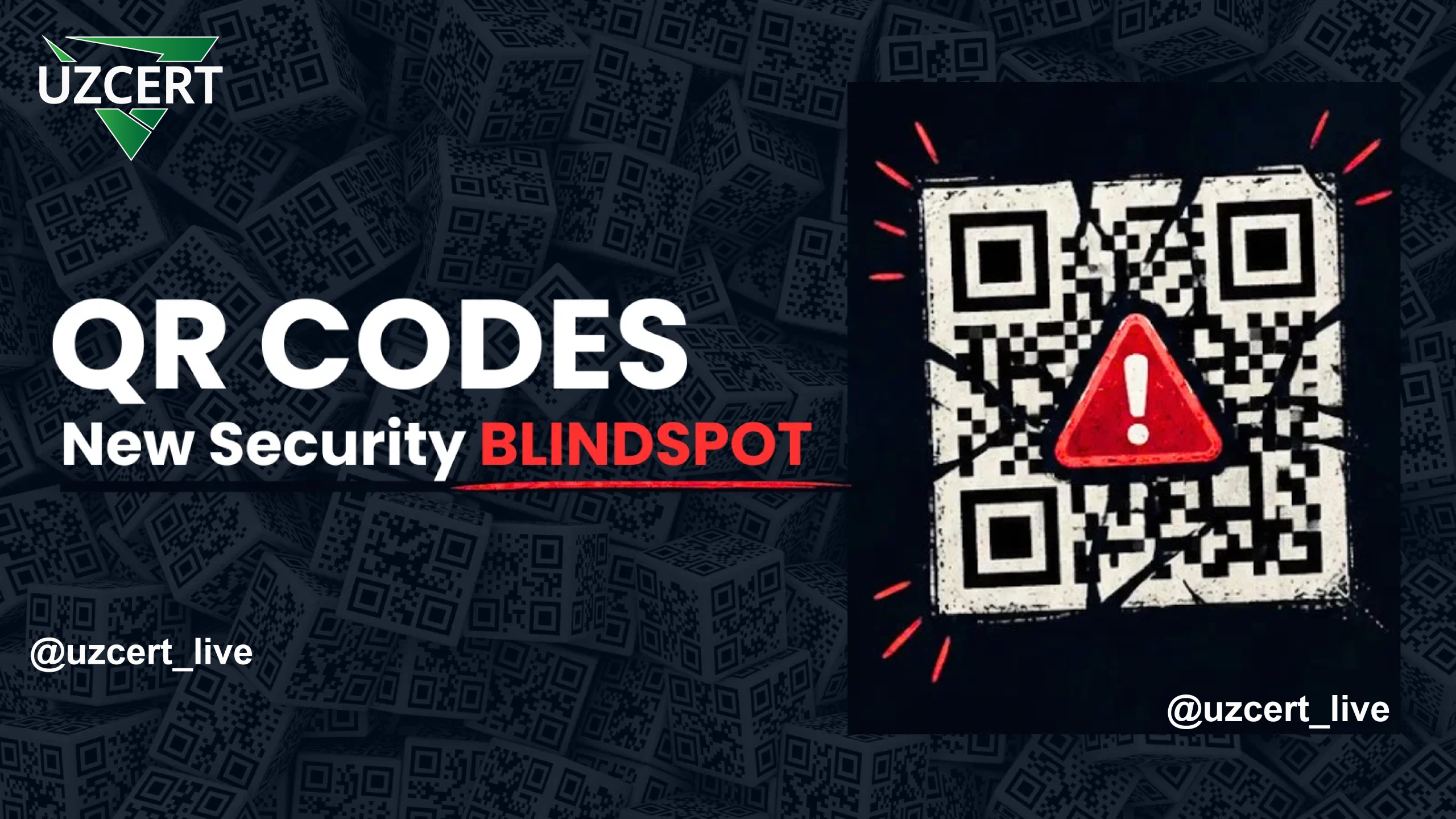
However, cybercriminals are exploiting this very convenience for their own gain. In recent years, the number of scams using QR codes has increased dramatically. Cybersecurity experts refer to this type of attack as Quishing (QR + Phishing).
What Is Quishing?
Quishing is a phishing attack in which a QR code is used to direct a user to a fake website in order to steal their personal or financial information.
In traditional phishing emails, the malicious link appears as text, and the user can at least visually assess it. With a QR code, the link is invisible to the naked eye. It only opens after being scanned with a phone camera or QR scanner. Therefore, many users trust QR codes without verifying whether the link is legitimate or fake.
It is precisely this trust that has become the attackers’ greatest advantage.
Why Are QR Code Attacks Increasing?
Today, almost every person uses QR codes several times a day. Restaurant menus, parking terminals, advertising banners, government services, banking apps, and electronic payment systems are making extensive use of QR codes.
As a result, users have developed a false sense that “QR codes are safe.” Cybercriminals are exploiting this psychological factor.
According to analysis, during 2025, millions of malicious QR code phishing attacks were detected worldwide. Some reports indicate that such attacks increased fivefold within just a few months. This shows that Quishing is becoming one of the fastest-growing cyber threats today.
How Do Scammers Operate?
A Quishing attack is typically carried out in several stages.
First, the attacker creates a fake website that closely mimics the official site of a well-known company, bank, or government organization. Then, they generate a QR code that leads to this site.
The malicious QR code is then delivered to users through various means. For example:
- via email;
- in PDF or Word documents;
- through Telegram and other messengers;
- on advertising banners;
- in restaurant menus;
- on parking terminals;
- in shopping malls;
- via physical mail.
When the user scans the QR code, their phone browser automatically opens the fake website. The site then requests the user’s login credentials, bank card details, or other sensitive information.
In some cases, the user is prompted to download a malicious mobile application disguised as an “update,” “payment app,” or “security program.”
Why Are Such Attacks Difficult to Detect?
Many email services can detect malicious links. However, since a QR code is sent as an ordinary image, security systems cannot always determine what link is hidden inside it.
Furthermore, when a user scans a QR code with their personal phone, the security systems of the enterprise or organization are also bypassed. As a result, the attacker targets not a protected computer but an uncontrolled mobile device.
Real-Life Examples
Imagine you park your car at a paid parking lot. To pay, you scan the QR code on the terminal. The page opens, and you enter your bank card details.
A few minutes later, you discover that unknown charges have been made to your card.
Later, it turns out that scammers had placed their own sticker over the original QR code on the terminal.
Or you scan a QR code to open a restaurant menu. Instead of the menu, a page appears offering a “discount” or asking you to “confirm payment.” You are asked for your bank card details.
Emails with QR codes arrive on topics such as “Your Microsoft account is being blocked,” “New salary information,” “Prize money,” or “Invoice needs confirmation.” When the user scans the code, they are redirected to a fake site resembling Microsoft or Google, and after entering their login credentials, their account falls into the hands of the scammers.
What Are Scammers Trying to Obtain?
Through Quishing attacks, the following data can be stolen:
- email accounts;
- Microsoft 365 or Google accounts;
- bank card details;
- internet banking credentials;
- personal identification information;
- VPN and corporate system access credentials;
- contacts, SMS messages, and other personal data on the mobile device.
Such information can later be used for financial fraud, identity theft, corporate network infiltration, or extortion.
How Can You Spot a Fake QR Code?
Before scanning any QR code, pay attention to its placement.
If the QR code appears to be a sticker or its design stands out from surrounding elements, do not use it.
After scanning a QR code, your phone screen will display the internet address it leads to. At that moment, carefully check the domain name. If a single letter has been replaced or unusual characters are present, do not open the page.
If the site requests your login, password, bank card, or personal information without any apparent reason, this may be a sign of fraud.
How Can You Protect Yourself?
First and foremost, do not scan QR codes from unknown sources. Be cautious with QR codes received via email or messengers.
Before using QR codes in public places, make sure they are intact and have not been tampered with.
Whenever possible, use the official mobile apps of restaurants, banks, or parking services instead of QR codes.
Regularly update your phone’s operating system and apps, enable two-factor authentication, and use reliable mobile antivirus programs.
Most importantly, never rush to enter your login, password, or bank card details on a page opened via a QR code. Taking a few seconds to check the internet address can save you from significant financial loss and the compromise of your personal data.
Conclusion
Although QR codes have become an integral part of modern life, this does not mean they are completely safe. Today, cybercriminals are actively using QR codes to abuse users’ trust, steal bank card data, hijack accounts, and install malware on mobile devices.
Remember: the QR code itself is not the danger — the address it leads to is. Checking the internet address every time you scan a QR code, avoiding entering personal information on suspicious pages, and using only trusted sources are the most effective measures to protect yourself from Quishing attacks.