Important Security Warning for Employees of Government and Private Sector Organizations
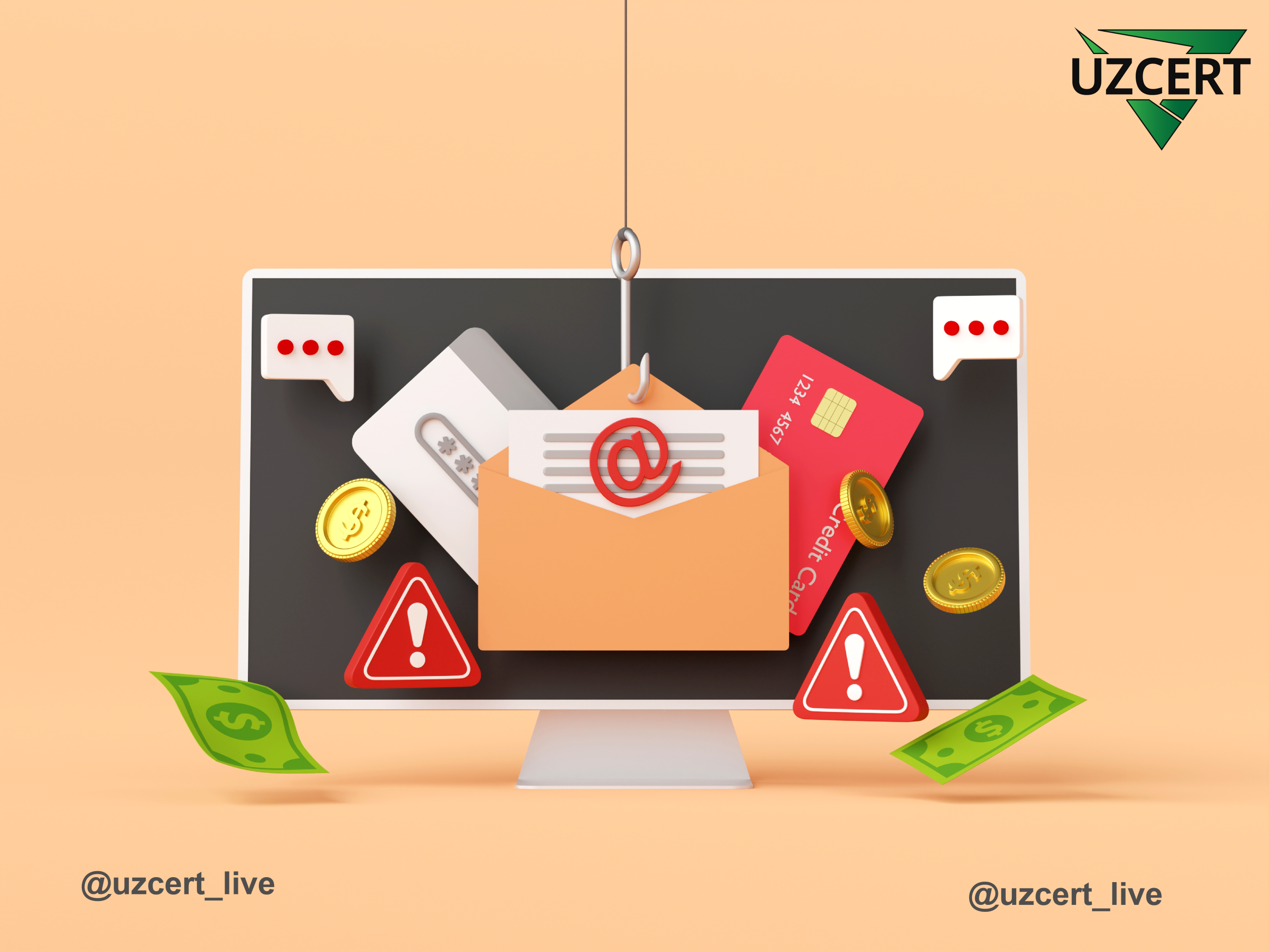
Inspections conducted by UZCERT show that, recently, government and private organizations operating within the territory of the Republic of Uzbekistan have become primary targets of phishing attacks carried out via email. Attackers send employees various types of files which, when opened, install malicious software (such as Remote Access Trojans — RATs). As a result, criminals gain the ability to remotely control the computers and obtain logins, passwords, financial documents, and other confidential information. Later, they commit fraud on behalf of the organization by sending fake bank account details to partners, causing significant financial losses.
Recent investigations reveal that phishing attacks mainly target senior management and employees responsible for financial operations. Attackers first send fake emails resembling legitimate work correspondence. In one identified case, a financial department employee received a file named “TT088541873 – Proforma Invoice 2025_pdf.txz”. The employee did not notice the “.txz” extension and opened the file.
Once opened, the malicious software installed itself secretly on the computer without asking for any permissions and granted criminals full remote control over the system. For some time, the malware continuously transmitted important data from the computer — logins and passwords, documents, financial records, and other confidential information — to the attackers.
Later, when the organization began exchanging financial documents with its official partner, the hackers, using the installed malware, entered the email communication on behalf of the compromised organization and sent fake bank account details for payment. Believing the emails were legitimate, the partner organization transferred a large sum of money to the attackers’ account without any suspicion.
As a result, the affected organization suffered significant financial losses, and some of its confidential information fell into the hands of criminals.
Further investigation revealed that the entire attack began with a single employee opening a phishing email that infected the system with malware. Once installed, the malware granted attackers full remote access to the computer. Additional analysis showed that the malicious software collected all saved application credentials, user documents, work files, and other sensitive information, and regularly sent them to a Telegram account controlled by the criminals.
In conclusion, malicious files are often distributed in the following formats: executable files (.exe, .scr, .bat, .cmd, .msi, .ps1, .dll), archives containing embedded malware (.zip, .rar, .7z, .tar, .gz, .tgz, .txz, .iso, .img), documents with macros or exploits (.docm, .xlsm, .docx, .xlsx, .pdf, .rtf), double‑extension deceptive files (e.g., Invoice.pdf.exe), various script files (.js, .vbs, .jse, .vbe, .hta), other formats allowing code execution through MS Office (.pif, .lnk, .csv), and in rare cases, media files (.jpg, .png, .mp4, .mov) containing malicious code through steganography or vulnerabilities. Opening such files can lead to malware installation, data theft, or remote system compromise.
Below are 7 essential recommendations employees of government and private organizations must follow to avoid phishing attacks:
- Always verify the sender’s address, the content of the message, and the file extension before opening any email attachment, link, or file.
- Never automatically open dangerous file formats such as .exe, .scr, .bat, .cmd, .ps1, .js, .vbs, .docm, .xlsm; always have suspicious files checked by the IT department.
- Never send passwords via email, avoid reusing the same password, and enable two‑factor authentication on all accounts.
- Regularly ensure that antivirus, EDR/security agents, and Windows updates are installed and functioning on your work computer.
- Do not immediately respond to emails labeled “urgent payment,” “emergency document,” or “confirm immediately” — verify such messages with management or IT first.
- Use only documents, files, and software downloaded from official sources; strictly prohibit downloading from unknown websites.
- All employees must regularly participate in training on phishing, malicious files, fake emails, and cyberattacks, and promptly report any suspicious activity to the information security department.